Together We Learn
The Go Playground.
Before installing the GO, you can give a try to it in the “The Go Playground”.
The Go Playground is a web service that runs on go.dev's servers. Though it has limitation as listed in this link, it should be sufficient for to start your learning journey
- Visit to this link https://go.dev/play/
- Select the Go version you want try.
- Then select the sample projects in the dropdown
- Once the selected program loaded, then hit the 'Run' button to execute the program and wait for it to finish
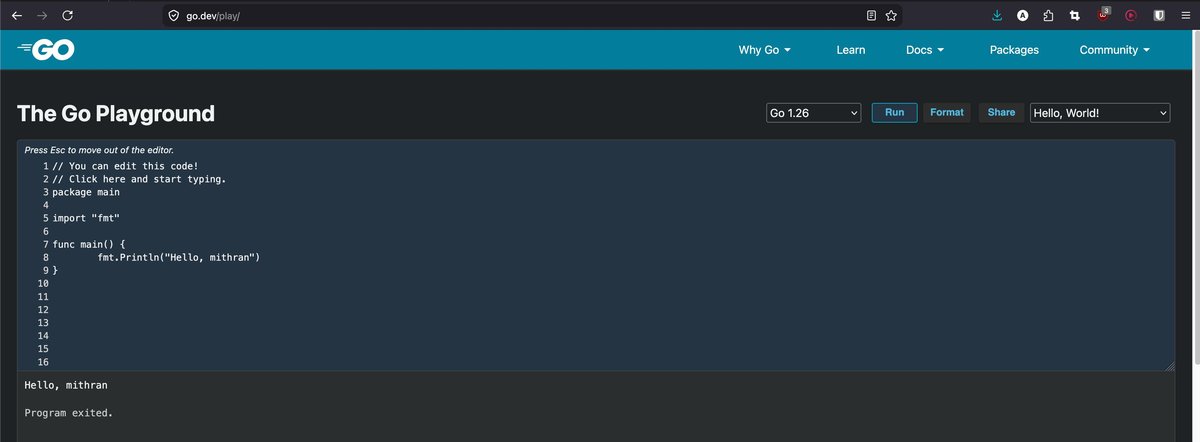
go-playground
Once you got familiar with GO and its programming syntax, then you can download and install Go on your system.
Download and install.
- Visit the official Go download latest release link - https://go.dev/dl/
- Select the package based on your operating system
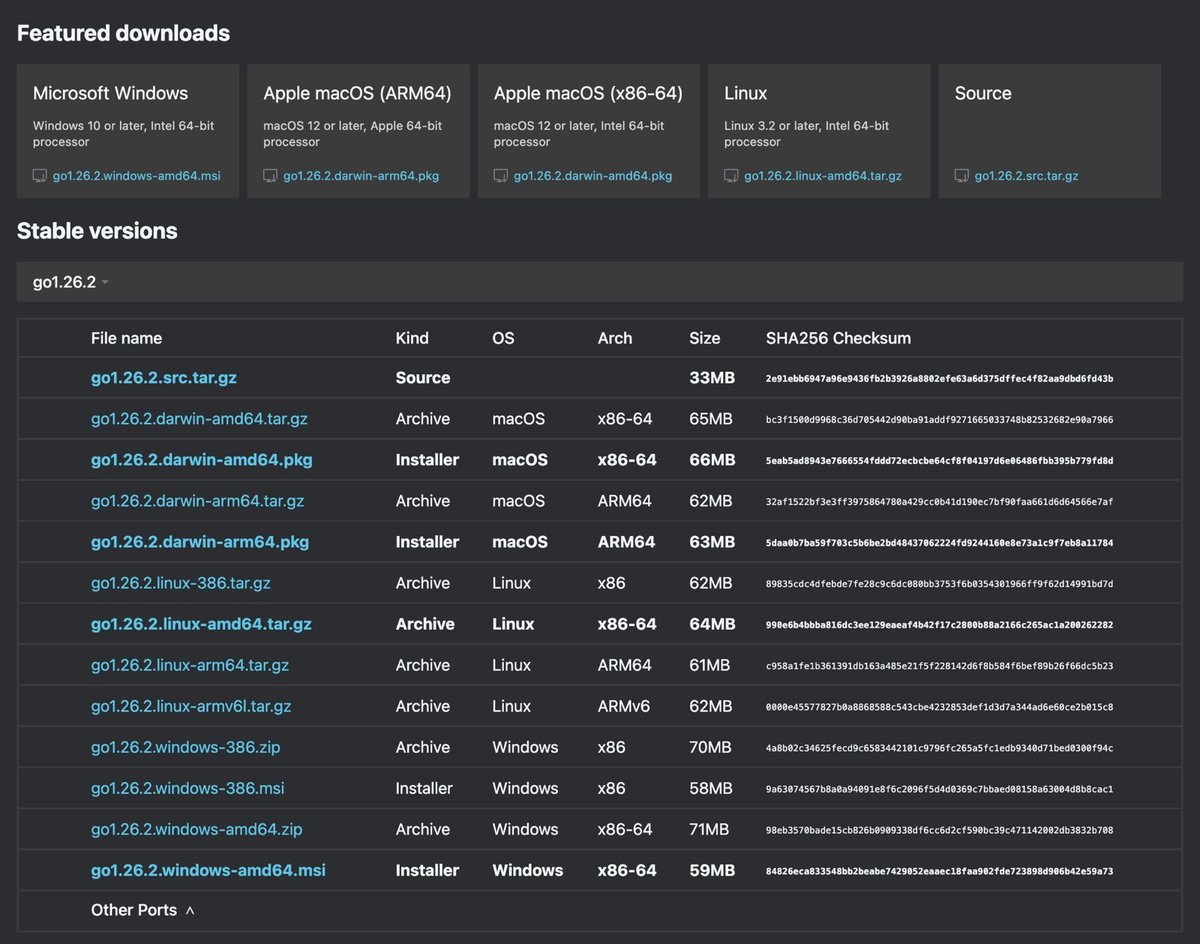
go-stable-version
- Run the package downloaded and follow the onscreen instructions.
- Follow the installation instructions from this link https://go.dev/doc/install accordingly and complete the installation.
- Upon completing the installation now navigate to the terminal/Command prompt tool to verify that the programming got installed correctly by running the below command.
go version- Confirm that the command executed successfully and provides the Go Version you had just installed it.

Go Version
The Go programming language is installed successfully.
Incase if you encountered any issues during/after the installation then refer this link to fix the issue or escalate a new issue